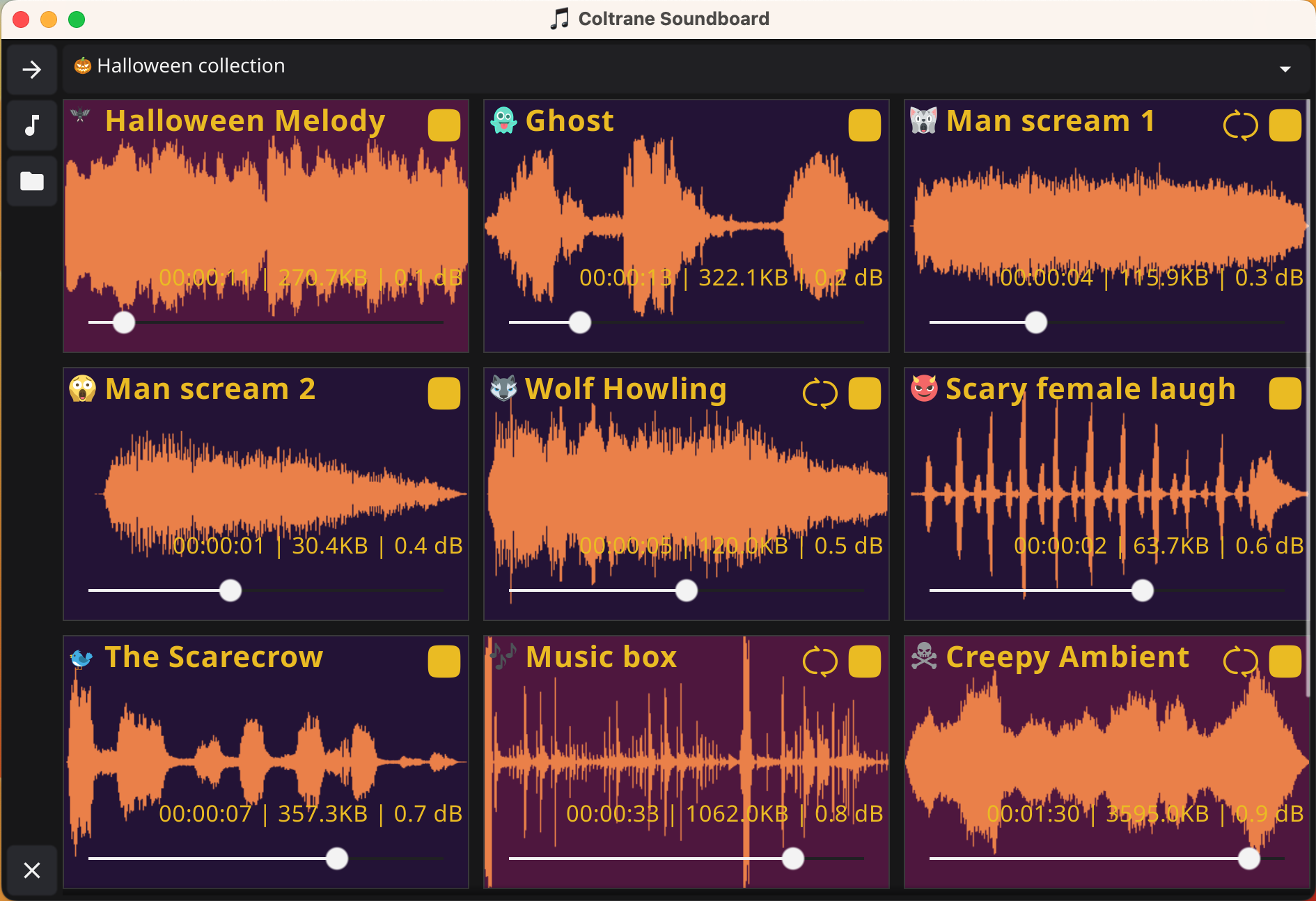
Cross-platform soundboard application that lets you play multiple sounds simultaneously with a simple and elegant interface.
Play multiple sounds at the same time without interference. Create rich audio environments by layering different sounds.
Automatic loops with visual control. Set sounds to repeat continuously with easy start/stop controls.
Logarithmic volume system with base 2 for natural audio scaling. Configure initial volumes in decibels for each sound.
Automatic preloading for instant playback. Small files load instantly, large files stream on demand.
Responsive grid that adjusts automatically to your screen size. Perfect for any device or resolution.
Buttons change color when playing. Progress bars and waveform visualizations provide clear status.
Seamlessly switch between multiple sound collections directly from the main interface. Switch collections instantly without restarting the application.
Integrated collection editor within the main window. Create, edit, and manage collections and sounds with an intuitive tabbed interface.
Coltrane automatically follows your desktop light/dark theme when set to Auto, and still lets you pick Light or Dark manually. Customize colors at collection and sound levels to fine-tune the look.
Single unified window with collapsible sidebar for seamless navigation between Sound Boards and Collection Editor views. Switch views instantly without opening new windows.
Access your soundboard from the system tray icon. Quick access to About window with application information and version details.
Windows 10+
%APPDATA%\Coltrane\macOS 10.14+
~/Library/Application Support/Coltrane/Modern distributions
~/.config/Coltrane/Download the executable for your platform and run it directly
Use the built-in Collection Editor to create your sound collections and add your MP3 files. Organize sounds by theme or use case so they are easy to trigger during playback.
Launch Coltrane and enjoy your custom soundboard!